Before they call you, they read your reviews. How to get more without begging or breaking the rules.
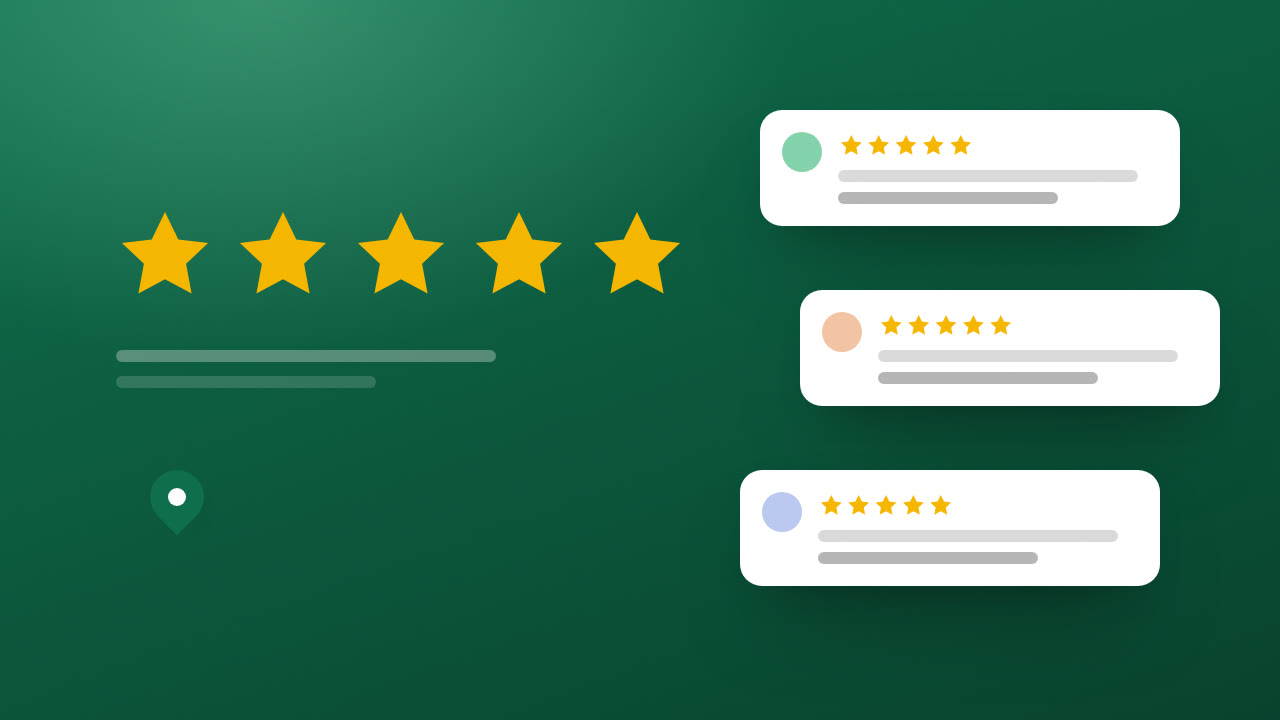
When someone searches for a business nearby, the first thing they see is your Google Business Profile and what others have said about you. How to ask all your clients for reviews, at the right moment and with a short message, and what Google does not allow.
The momentThree results and one decision
Someone needs a plumber, a hairdresser or a lawyer. They type “near me” into their phone and three businesses appear with their map, their opening hours and their stars. They have not visited a single website yet. They read two or three reviews and call the one they trust most.
Meanwhile, you have happy clients who leave your premises, sign off the job or hang up satisfied. And hardly any of them leave a review. Not because they do not want to: because nobody asked, or they were asked too late with a link that led nowhere.
The problemAsking badly, or not asking at all
Google Business Profile (formerly Google My Business) is, for many businesses, their first introduction. But reviews do not arrive on their own. And when people ask for them, two mistakes are common: pushing too hard, with long messages and reminders that wear people out, or trying shortcuts that break Google’s rules, such as rewarding reviews or only asking the people you know are happy.
You ask for a review the way you ask a favour: at the right moment, in few words and the same for everyone.
What worksAsk well, ask everyone, ask in time
You do not need any special tool. You need a habit and a link. This is what works, whether you hire anyone or not.
What if you do not have a shopfront? It still works. An electrician, a lawyer who visits clients at home or a studio that works online can set up the profile as a service-area business: you state the area you cover and keep the address hidden. Google still asks you to verify it, but does not show it.
How we do itAn option for people who are already clients
The FULL Host is a guided conversation with answers you approve: it does not improvise. Because its options are designed with you, it can include one for people who are already clients: “Have you visited us? Leave us your opinion.” That option leads straight to the review link of your Business Profile. Everyone sees it the same way, with no question first about whether they were happy and nobody filtered out.
If you also have a website with Innectia, the site links to your Google profile, with your name, your area and your contact details consistent in both places. Whoever finds you on the map can see your website, and whoever lands on the website can read what your clients think.